Customer-controlled / Evaluation pilot

Your evidence.
Your local workspace.

Evaluate CryptoAgility Sentinel on your own computer. Review the release, understand its limits, and keep operational decisions with your team.

Downloads and training require no account. The hosted demo is a separate service; use generic practice information there, not your local customer evidence.

Local evidence storageNo mandatory phone-homeHuman-controlled upgradesWindows + Linux priorities

01 / Downloads

Availability, not promises.

Windows and Linux are the confirmed platform priorities. Only the current Linux archive can be offered here, after its signed manifest, validity period, size, and SHA-256 digest pass verification.

LINUX / ARM64 (AARCH64)Verified archive

Linux evaluation

Compiled evaluation archive · 0.2.0-pilot · 33.6 MiB

Download for Linux

casentinel-0.2.0-pilot-linux-aarch64.tar.gz

SHA-256
78d8b8d621260f9c9f82b4ad548187d6751b2f6208abe9fb2ecef86ff9f2d963
Exact size
35272865 bytes
Release notes
Compiled customer-local evaluation. Linux ARM64 (aarch64) built on Ubuntu 24.04/glibc 2.39; x86-64 and other distributions unverified. Development signing only. Windows pipeline prepared but Windows package not yet built/code-signed. No production paid entitlement or security accreditation. See bundled release notes.
Download the signed manifest

The current sandbox builds ARM64. Linux x86-64 remains pending a build and tests on that target. Choose only a package matching your processor. Verification does not certify operating-system compatibility or absence of vulnerabilities.
WINDOWS / X86_64Pending

Windows evaluation

Not available for download. A real Windows build, Windows testing, and an approved code-signing review are still required.

No Windows binary is claimed or offered.

A Linux artifact is not a Windows release. This page does not claim an Authenticode signature, SmartScreen reputation, or Windows test results.

02 / Quick start

Start deliberately. Stay in control.

Use a computer you administer or have permission to use. This pilot is an evaluation, not a substitute for your organization’s deployment review.

  1. 01

    Check the release before opening it

    Save the archive and signed manifest. Compare the archive’s SHA-256 with the value shown above. Verify the Ed25519 signature with a separately trusted public release key; a checksum alone cannot establish who published a file. If verification fails, do not run it.

  2. 02

    Extract and run the packaged launcher

    Extract the archive into a dedicated local folder and follow its included quick-start instructions. Use the packaged launcher, not a source checkout. Keep access local to your computer; do not expose the evaluation server to a public network or run it with administrator privileges.

  3. 03

    Create a strong, unique passphrase

    Open the local address printed by the launcher. Use a long, randomly generated passphrase, such as six or more randomly selected words, and store it in a password manager. Do not reuse your hosted-demo passphrase. Losing a passphrase can make encrypted data inaccessible; keep a tested backup and any recovery material separately.

  4. 04

    Practice first, then review permitted evidence

    Start with the synthetic sample and the training walkthroughs. Import only authorized metadata in your local installation. Never import private keys, credentials, payment secrets, or recovery shares. Review findings and uncertainty before making any operational change.

No automatic installation or updates. You decide when to download, verify, and run a release. No mandatory phone-home is required for local use; optional hosted services are separate.

03 / Trust boundaries

Protection with clear limits.

A verifiable release and encrypted payloads are useful controls, not an absolute theft-proof guarantee.

Development-key trust, explicitly labeled.This evaluation uses a development Ed25519 release key, not a production signing ceremony. The current signing key identifier is development-release. This contract is not Authenticode or TUF. It does not provide a persistent trusted rollback history or OS publisher verification.

Local data only in the local installation. Customer evidence stays in your local workspace during local use; it is not automatically sent to this download site or the hosted demo. A localhost service is not a security boundary against every process on your computer.

Encrypted payloads are not full-disk protection. Payload encryption does not encrypt the entire disk, operating-system logs, every filename, export, or backup. OS administrators, privileged processes, malware, and an unlocked session may still access data. Use device encryption, access controls, and secure backup storage.

Expiry preserves your data. License expiry moves the installation into read-only access; it never deletes your data. An expired release manifest stops new downloads on this page and is separate from license expiry. Apply an authorized renewal file locally to renew access; no auto-payment or automatic renewal is implied.

Back up before upgrading or renewing. Stop the running installation, make a protected backup of the existing workspace, and confirm you can restore it before replacing software or applying a renewal file. Keep the original until the new installation and its data have been checked.

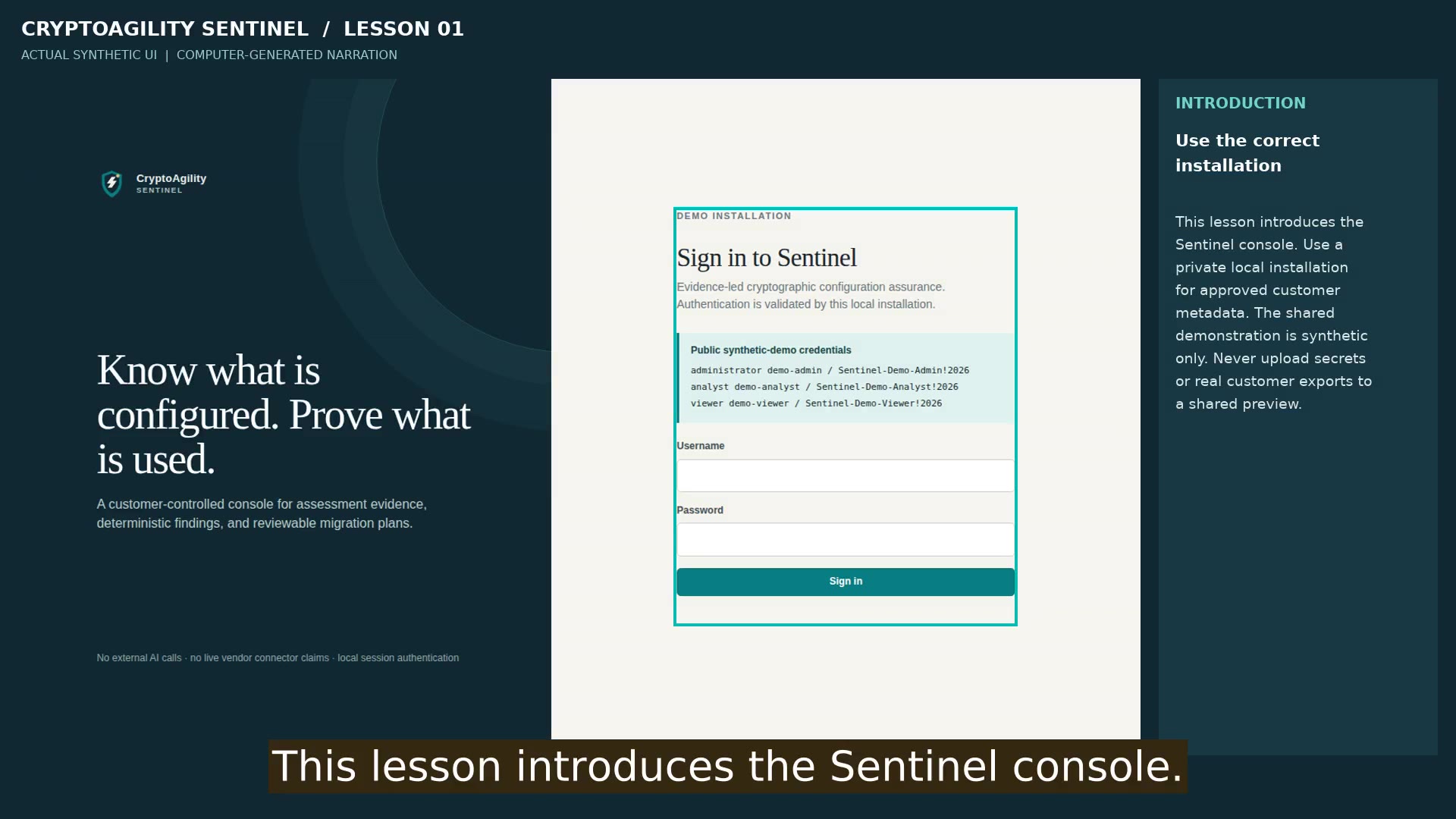
Preview of the existing getting-started training lesson

04 / Learn before you import

A walkthrough, not a leap of faith.

Use the existing synthetic training videos, English captions, and written steps. No sign-in required. These lessons document an evaluation workflow, not verified production vendor operations.

Watch the four lessons

Getting-started written guide

Prefer a guided first look?

Start with generic practice.

The free hosted demo is separate from your local installation.

Create a free demo account